Combinations
Quick Browser Games





Combinations is a word puzzle game where you build English words from groups of letters. Instead of guessing individual letters, you connect blocks containing two or three letters to discover hidden words. Each puzzle has a limited number of possible answers, and your goal is to find them all.
If you enjoy word games like Wordle, Spelling Bee, or Dordle, Combinations offers a different type of vocabulary challenge. You need to recognize familiar word patterns, experiment with letter groups, and find as many valid words as possible to increase your score.
How to Play Combinations
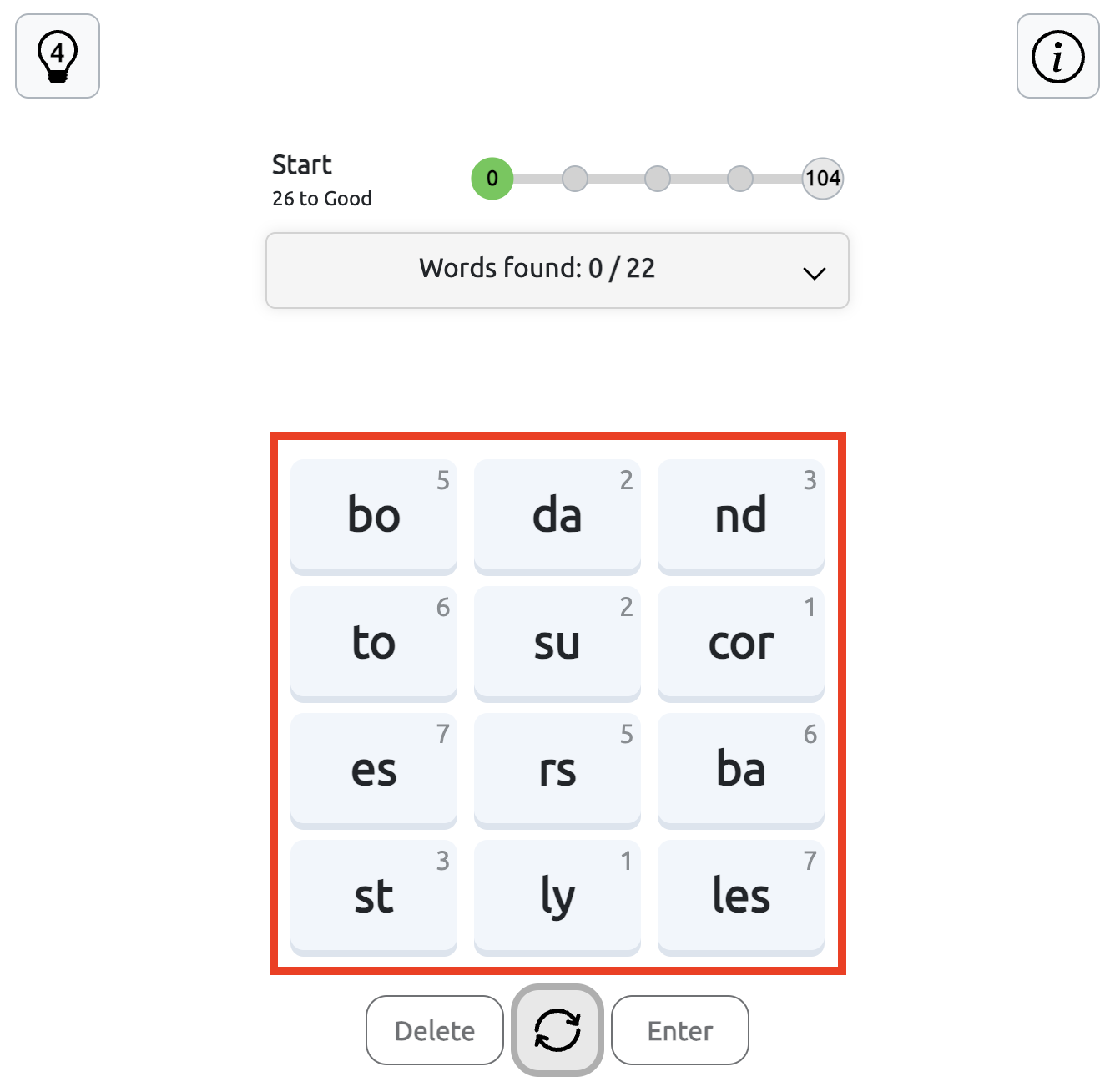
The game starts with a grid of letter blocks. Each block contains a group of letters that can be combined with others to form a word.
Follow these rules to play:
Select letter blocks. Click or tap the blocks in the order needed to spell an English word. Each answer must contain two or three blocks.
-
Use each block only once. You cannot select the same block twice within a single word.
-
Check the numbers on the tiles. The small number in the upper-right corner shows how many times that letter group appears among the hidden answers.
-
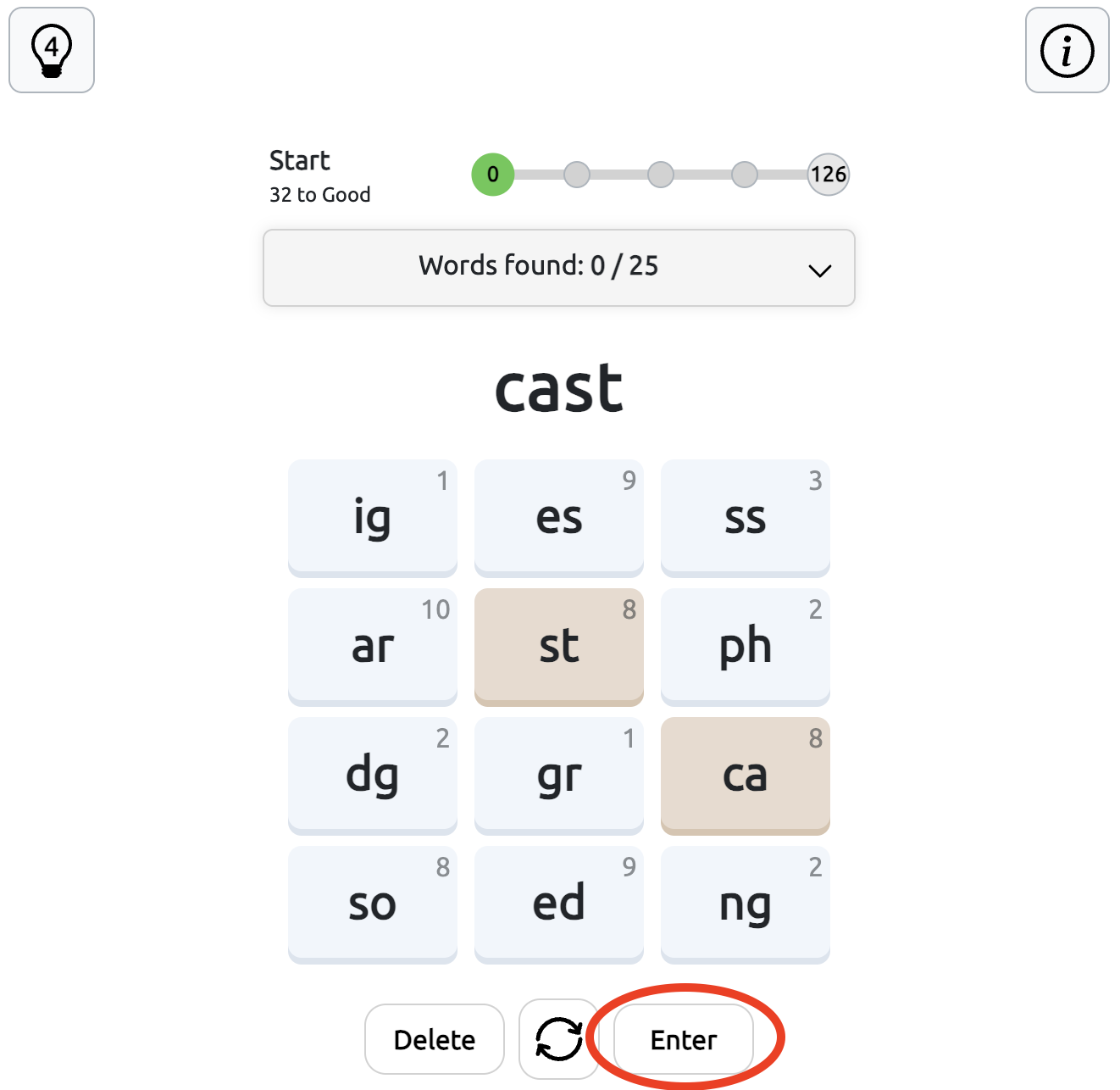
Submit your word. Press Enter when you've finished selecting the blocks. The game checks whether your answer is accepted.
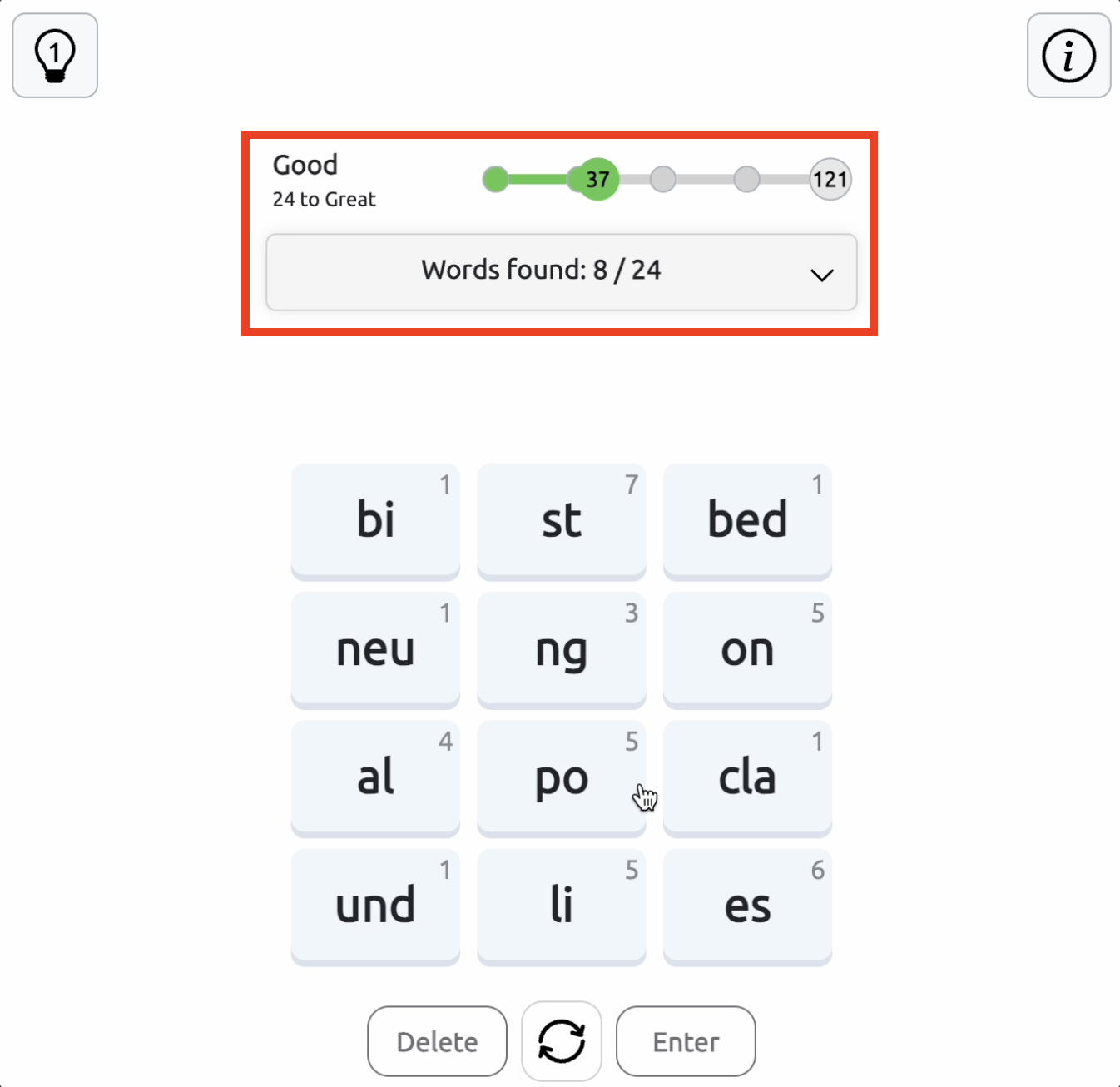
Collect points and follow your progress. Every letter in a valid word earns one point. For example, a five-letter word gives you five points. The progress bar above the playing area displays your current points, the highest possible score, your ranking, and the points remaining until you reach the next rank.
The game accepts words from its built-in dictionary. Proper nouns, hyphenated words, and certain uncommon expressions are excluded.
If your answer isn't accepted, you'll see a message explaining why. For example, Too short means the word doesn't meet the minimum length requirement, while Not in word list indicates that the submitted word isn't recognized. If you enter a word you've already found, the game displays Already guessed.
Understanding the Letter Grid
The letter blocks are the main part of the Combinations puzzle. Each one contains a short sequence, such as bi, st, or bed, which you can connect to other blocks to create complete words.
The numbers in the corners provide useful clues. For example, if a block has the number 5, its letter combination appears five times across the puzzle's hidden words.
You can use these numbers to work out which blocks are likely to appear in several answers. As you discover more words, they can help you narrow down the remaining possibilities.
Game Buttons and Controls
Below the letter grid, you'll find three buttons that help you build and submit words.
Delete removes your current selection so you can try another combination. Selected letter blocks appear in light brown, making it easier to see which parts of a word you've chosen.
Refresh shuffles the letter blocks into a new arrangement. The letters stay the same, but their positions change. This is useful when you want to look at the puzzle from a different perspective.
Enter submits the word you've assembled. If the answer is valid and hasn't been guessed before, the game adds it to your discovered words and updates your score.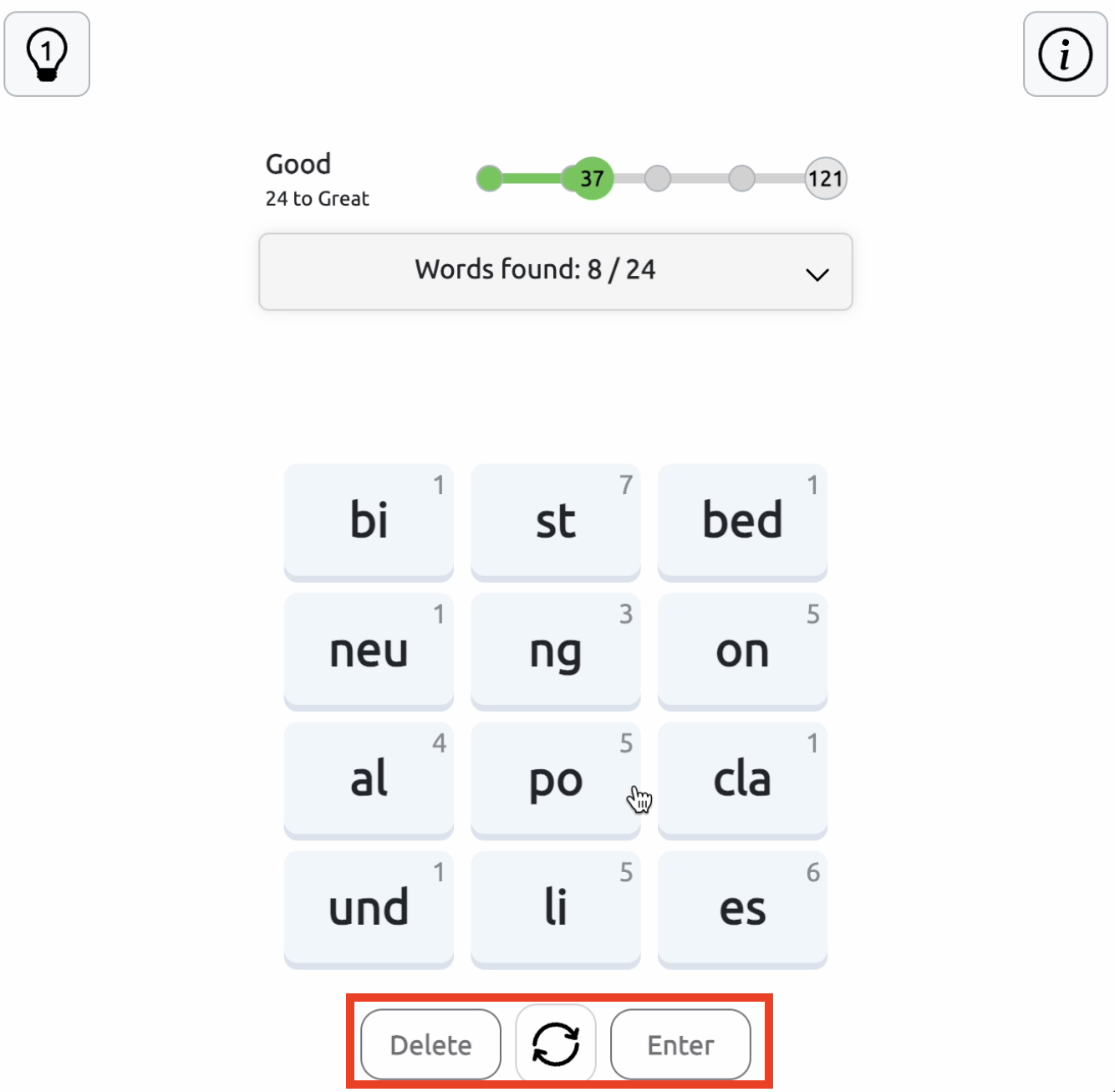
How to Check the Words You've Found
The Words Found panel sits above the letter grid. It displays how many words you've discovered out of the total number available in the current puzzle.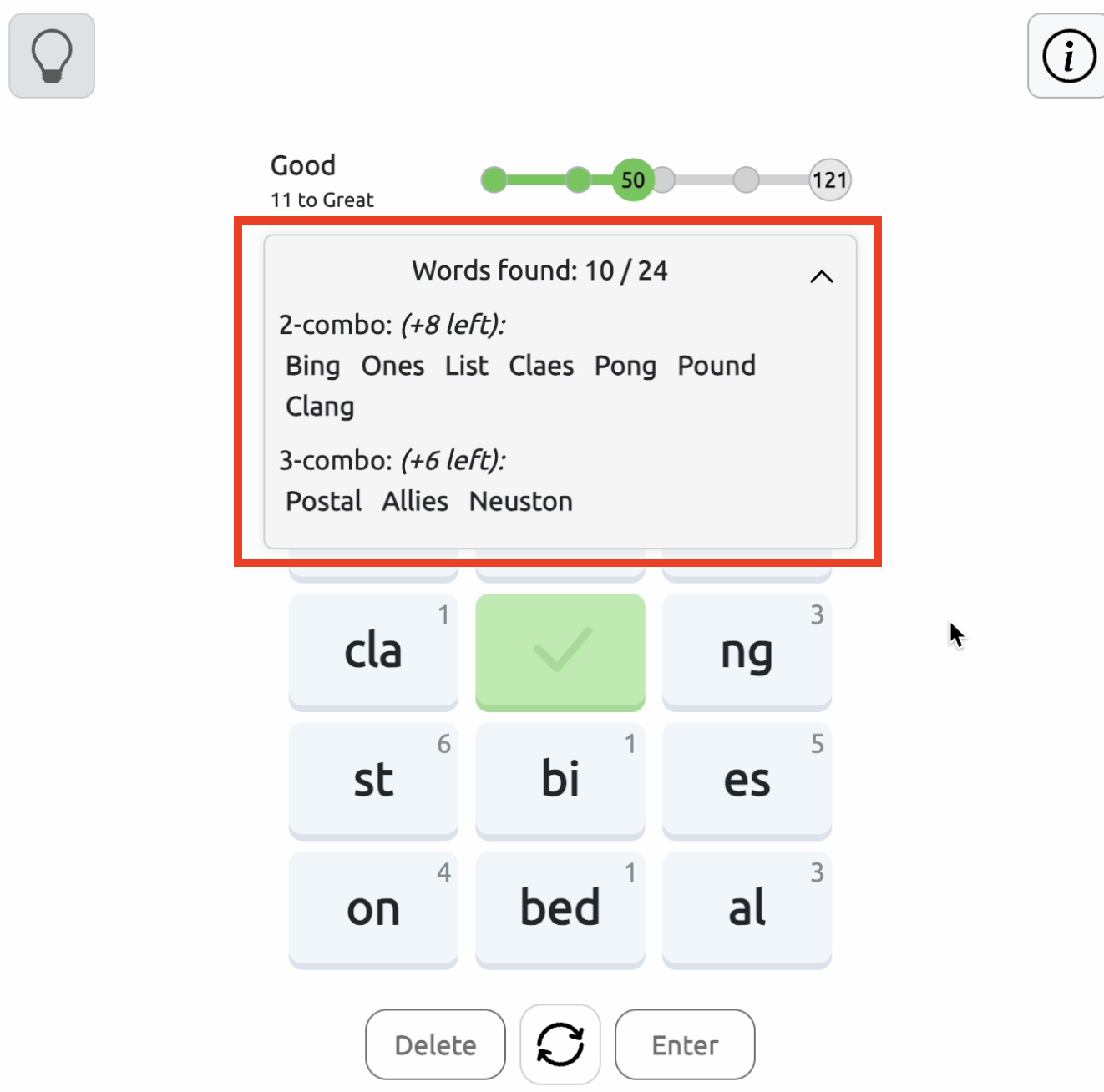
Click the panel to expand the list of your correct answers. Words are organized into two categories: those created from two letter blocks and those formed using three blocks.
The panel also shows how many answers remain in each category. Checking this list can help you avoid repeating words and decide whether to focus on shorter or longer combinations.
Using Hints in Combinations
If you can't find another word, select the lightbulb icon in the upper-left corner of the screen.
Each puzzle includes four hints. When you activate one, the game highlights the correct letter blocks in green, one after another, showing how to assemble a hidden word.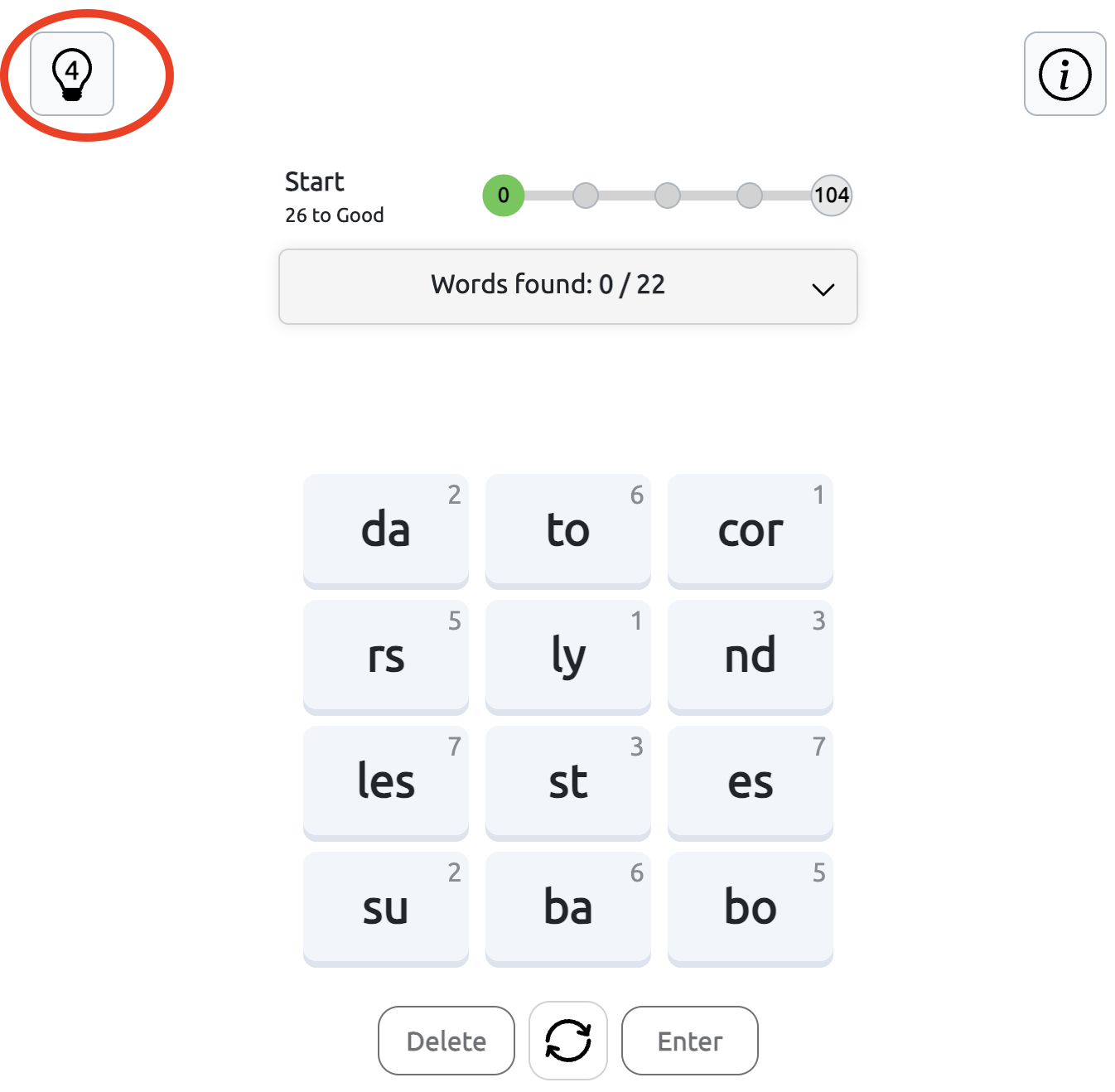
You can press the hint button more than once to review the suggested sequence. A hint is deducted only when you submit the suggested word.
Hints are especially helpful when you're close to completing a puzzle but can't identify the remaining letter combinations.
Scores and Ranking Levels
Every accepted word increases your score by one point per letter. Longer words are therefore worth more points than shorter ones.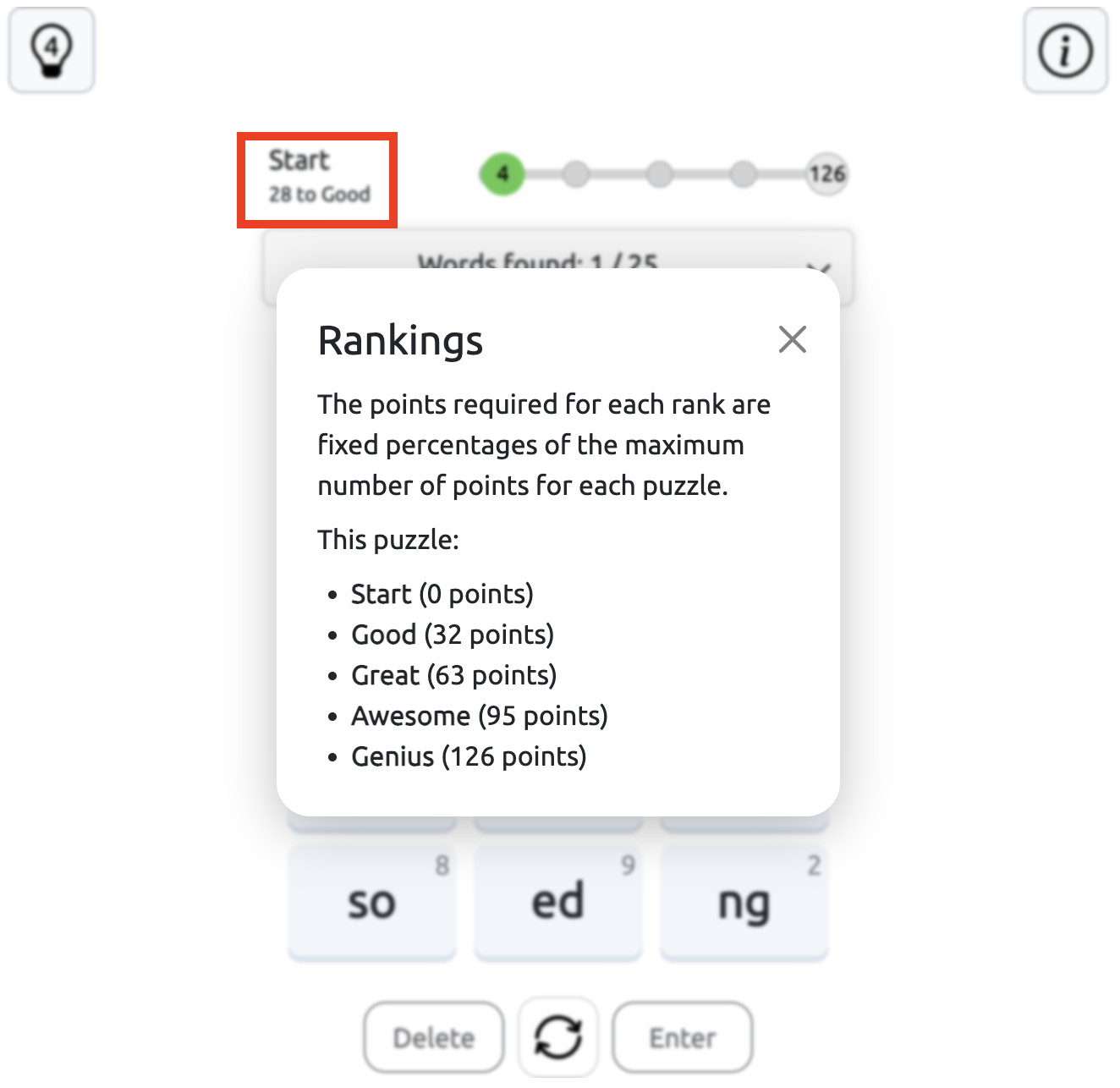
At the top of the game screen, a progress bar shows your current score, the maximum available points, your ranking, and the number of points needed to reach the next level.
Combinations has five ranks:
|
Rank |
Score Required |
|
Start |
0% of the maximum score |
|
Good |
25% of the maximum score |
|
Great |
50% of the maximum score |
|
Awesome |
75% of the maximum score |
|
Genius |
100% of the maximum score |
The percentages remain consistent, but the actual point thresholds depend on the puzzle. For example, a puzzle worth 126 points has different ranking requirements from one worth 104 points.
Reaching Genius means you've earned every available point by finding all the accepted words.
Tips to Get a Higher Score in Combinations
-
A useful approach is to start with familiar words made from two blocks. These are often easier to recognize and can help you identify which letter groups work well together.
-
Once you've found several short words, look for three-block combinations. Try connecting common word beginnings and endings, and consider whether a familiar word can be extended by adding another group.
-
Don't overlook the numbers on the letter tiles. Blocks with higher numbers appear in more hidden answers, so they may offer additional possibilities worth exploring.
-
When you run out of ideas, use Refresh to rearrange the board. A different layout may help you notice combinations that weren't obvious before. You can also open the Words Found panel to review your answers and see how many are still missing.
-
There's no need to rush. Take your time experimenting with different letter groups, and use hints when you need help with a difficult word.
Try More Word Games
If you like building words from letter combinations, there are other quick word puzzles worth exploring. Wordle challenges you to guess a hidden five-letter word, while Dordle asks you to solve two word puzzles at the same time. In Spelling Bee, you create words from a small selection of letters, and Squares offers another word-building challenge.
Explore more mini games on 3x3 Mini Games whenever you're ready for a different puzzle.